Zu.exe Download Verified ✓

The most unique multiplayer fishing adventure


The most unique multiplayer fishing adventure
zu.exe /X8 : Specific command switch for certain drives. Basic Setup Steps
Clears BIOS-level ATA passwords without needing the original master or user password.
Because Zu.exe interacts directly with hard drive hardware at a low level, it cannot be run through a standard Windows GUI. It requires a DOS environment, such as FreeDOS, booted from a USB drive. Common Commands Zu.exe Download
compatible with major brands such as Western Digital , Hitachi/IBM , Fujitsu , and Maxtor .
Set your computer's SATA mode to IDE or Legacy rather than AHCI to allow the DOS utility to "see" the drive. It requires a DOS environment, such as FreeDOS,
Use a tool like Rufus to create a bootable USB stick with FreeDOS .
The program is a small executable that runs in a DOS environment. Use a tool like Rufus to create a
is a specialized, command-line utility primarily used by data recovery professionals and advanced hardware hobbyists to unlock hard disk drives (HDD) protected by ATA passwords. Often referred to as "Zong Unlock," this tool is known for its ability to bypass or clear security locks on various drive brands, including Western Digital, Hitachi, and Toshiba. Key Features and Compatibility
The Mystery Below
The surface looks peaceful. But beneath the calm waters, ancient creatures stir. Sea serpents, leviathans, megalodon — creatures that shouldn't exist are waiting to be discovered. Do you dare cast your line?
From tropical reefs to volcanic caves — every location tells a story
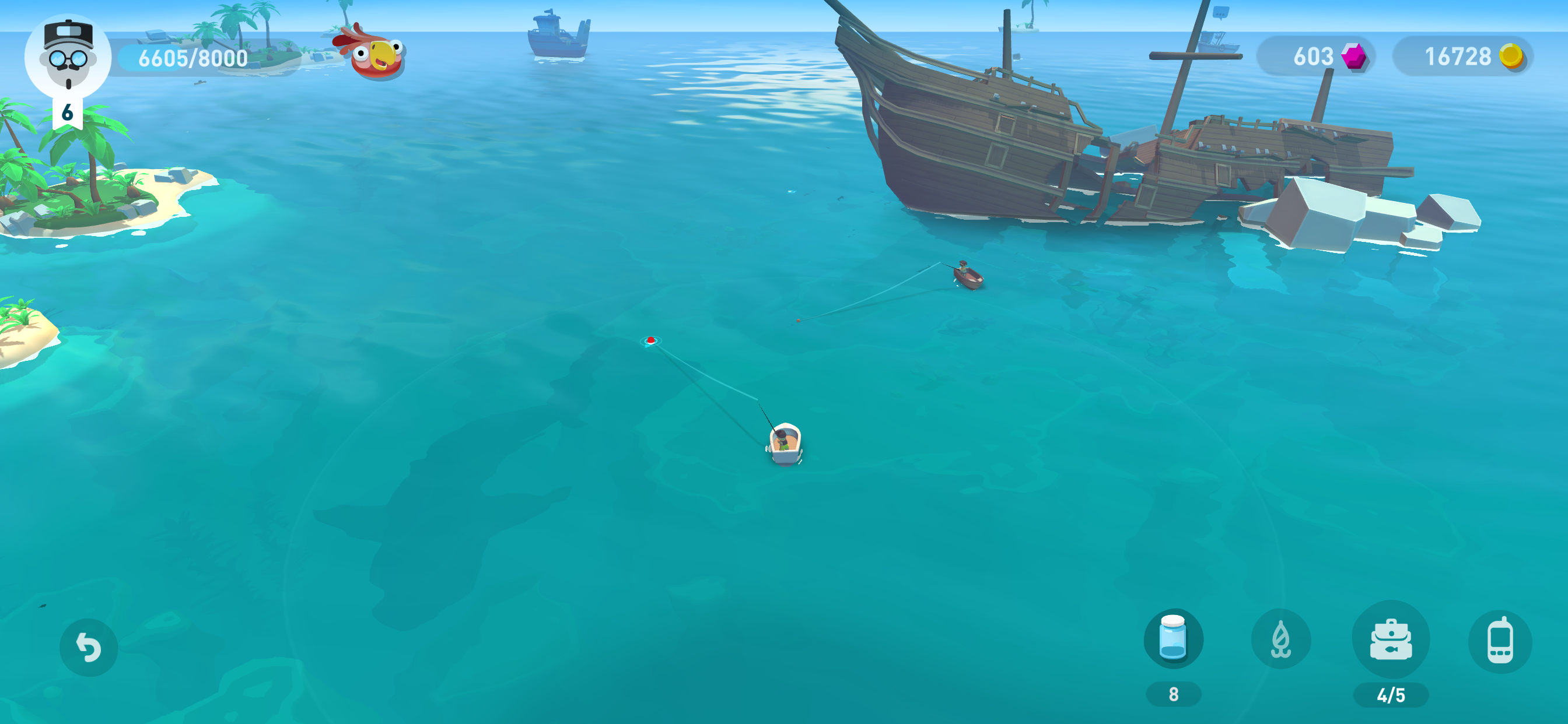






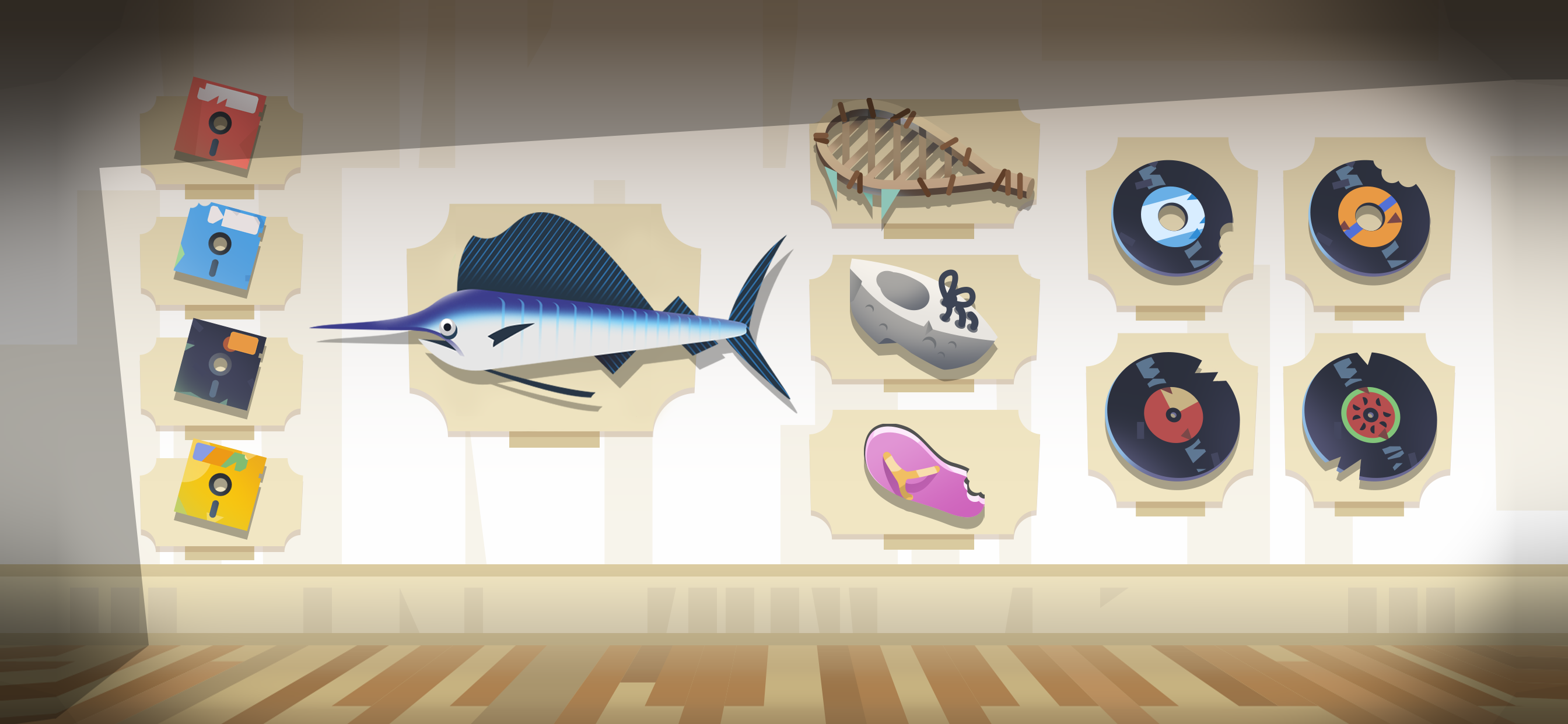
Dive into the depths — catch, explore, conquer
zu.exe /X8 : Specific command switch for certain drives. Basic Setup Steps
Clears BIOS-level ATA passwords without needing the original master or user password.
Because Zu.exe interacts directly with hard drive hardware at a low level, it cannot be run through a standard Windows GUI. It requires a DOS environment, such as FreeDOS, booted from a USB drive. Common Commands
compatible with major brands such as Western Digital , Hitachi/IBM , Fujitsu , and Maxtor .
Set your computer's SATA mode to IDE or Legacy rather than AHCI to allow the DOS utility to "see" the drive.
Use a tool like Rufus to create a bootable USB stick with FreeDOS .
The program is a small executable that runs in a DOS environment.
is a specialized, command-line utility primarily used by data recovery professionals and advanced hardware hobbyists to unlock hard disk drives (HDD) protected by ATA passwords. Often referred to as "Zong Unlock," this tool is known for its ability to bypass or clear security locks on various drive brands, including Western Digital, Hitachi, and Toshiba. Key Features and Compatibility
Download free on iOS & Android